
This guide describes basic and advanced features and operations for your Omega-Phone OM-KTD30 Digital Telephone. For more information, refer to your Omega-Phone 924 Owner's Manual or contact your authorized Iwatsu distributor. Only Iwatsu qualified personnel are authorized to install any component of an Iwatsu system. Should you require service, please contact your authorized Iwatsu distributor.
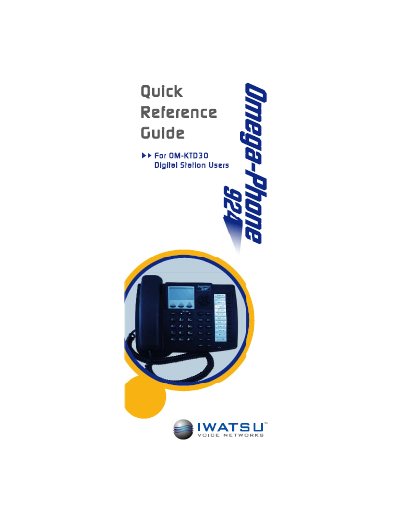
This guide describes basic and advanced features and operations for the Omega-Phone OM-KTD30 Digital Telephone. It covers flexible feature keys, volume control, and call handling keys such as Hold, Transfer, Conference, Redial, Mute, and Speaker.
It also explains answering calls, background music, intercom calls, outgoing calls, paging, switching between handset and speakerphone, and advanced features including call forwarding and the answering machine emulation.
| Handset volume levels | 8 |
|---|---|
| Ringer volume levels | 4 |
| Speaker volume levels | 8 |
| Call log capacity | 50 inbound and 50 outbound numbers |
| Speed dial capacity | 80 |
| Conference maximum | 4 parties |
Use the UP and DOWN arrow volume control keys. The handset volume can be adjusted to one of eight levels.
The maximum is four parties per conference call.
The call log stores up to 50 inbound and 50 outbound numbers. Use the Navigation keys to scroll to the call log and select a number to dial.