
This document is the instruction manual for the Iridium 150 projector, which introduces the use methods, maintenance and maintenance of the projector
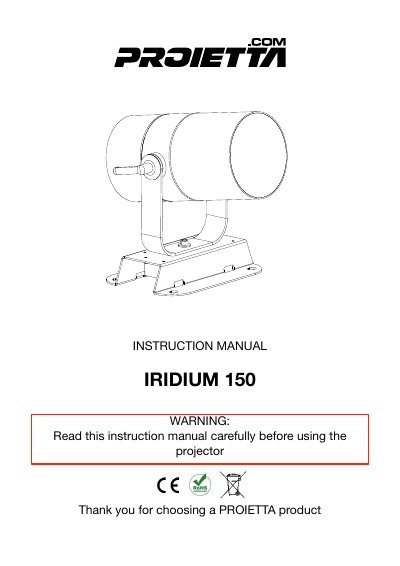
The Proietta Iridium 150 is a lighting fixture that projects a light beam in indoor and outdoor environments. The instruction manual covers safety information, technical specifications, use, care and maintenance, troubleshooting, warranty, conformity, and disposal.
Installation instructions describe connecting to a 220–240 V, 50–60 Hz power grid, mounting and tilting the projector, fitting static gobo or dynamic effects, and sizing and focusing the projected image. The specifications list a 150 W LED, 12,000 lm brightness, 6,000 K color temperature, 30,000 h lifetime, IP65 rating, and 8 kg weight.
| Supply voltage | 220/240 V |
|---|---|
| Electrical frequency | 50/60 Hz |
| LED nominal power | 150 W |
| Projector brightness | 12.000 lm |
| Color temperature | 6.000 K |
| Lifetime | 30.000 h |
| IP protection rating | 65 |
| Weight | 8 kg |
| Operating ambient temperature | -25°C (-13°F) to 45°C (113°F) |
| Minimum distance from objects to projector lens | At least 5 meters |
It requires 220-240 V at 50-60 Hz, with a grounded supply line and a bipolar switch with 0.03 A differential thermal safety.
Objects affected by the light beam must be at least 5 meters away from the projector lens.
Loosen the A knob holding the lens, move the lens until the image is sharp, then screw the knob again.
The product is covered by a 24-month warranty under the terms of the law.