
Olivia Garden® Titanium+ion™ professional flat iron user manual. The manual introduces the functions and usage of the product.
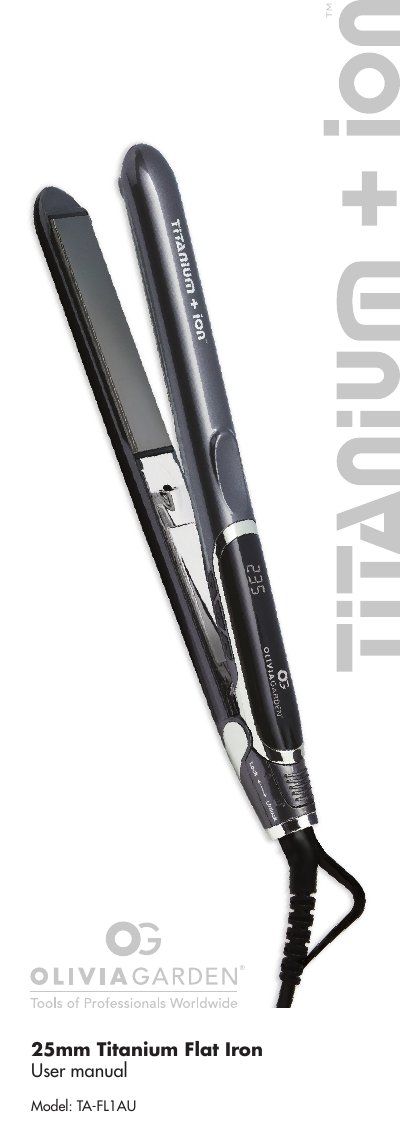
This is the user manual for the Olivia Garden Titanium+ion professional flat iron, model TA-FL1AU, a 25mm titanium flat iron for straightening and curling hair. It opens with a list of features — dual-function styling, ultra titanium 3D floating plates, dual-ceramic heaters, an ion generator, 11 digital temperature settings from 135°C to 235°C with a °F to °C reading switch, auto-shutoff after 30 minutes, a travel lock and a 10ft swivel cord — followed by general specifications, including dual voltage 100-240VAC, 50-60Hz and 42W.
The manual then gives safety precautions for electricity and hot surfaces, step-by-step preheating and styling instructions, and a troubleshooting note explaining that an "ERR" message means the iron switched to standby mode for safety protection. It closes with care and maintenance advice for the plates, a 24-month limited warranty statement, recycling and disposal information, and Olivia Garden contact details.
| Voltage | 100-240VAC, Class II, IPX0 (dual voltage) |
|---|---|
| Frequency | 50-60Hz |
| Wattage | 42W |
| Weight | 9.2oz / 260g |
| Plate size and material | 25mm ultra titanium 3D floating plates |
| Temperature settings | 11 digital settings, 135°C - 235°C, with °F to °C switch |
| Auto-shutoff | After 30 minutes of inactivity |
| Cord | Extra-long 10ft swivel cord with hanging loop |
| Included accessories | Heat resistant mat pouch |
| Warranty | 24 months limited warranty against defects |
Press and hold the '+' and '-' buttons simultaneously until the desired temperature scale is visible.
The flat iron switched to standby mode for safety protection. Turn it off, unplug it, wait about 2 minutes, then plug it in and turn it on again.
Allow 1 minute or less for the flat iron to reach the selected temperature; heat-up time depends on the chosen temperature.
Switch off, unplug and let the iron cool, then wipe the plates with a soft cloth slightly moistened with water. Do not use abrasive cleaning agents.