
User guide for i.C³® refrigerators and -30° freezers.
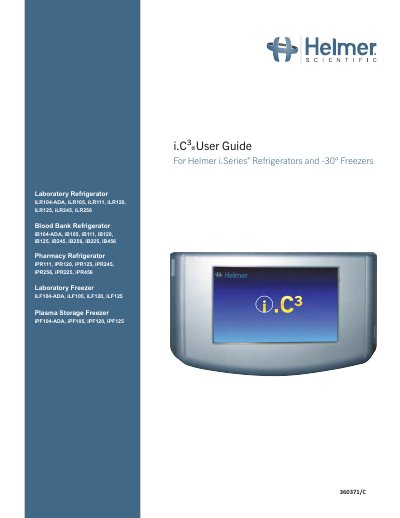
The i.C³ User Guide describes use of the i.C³ user interface and icon-driven touchscreen for Helmer i.Series refrigerators and -30° freezers. It covers initial language and settings configuration, Home screen basics, applications, temperature alarm testing, min/max monitoring, temperature graphs, information logs, data transfer, screen customization, i.C³ settings, access control, and icon transfer. The guide also includes appendices with an icon reference guide and an i.C³ reference guide.
The i.C³ includes a touchscreen, USB port for downloading temperature data or uploading firmware, Ethernet/RJ45 connection for data or commands with external devices, and an audio speaker for alarm and touch signals. The document notes that English is the default language and that the screen should be cleaned with a clean, dry cotton cloth.
| Interface | Intuitive user interface and icon-driven touchscreen |
|---|---|
| USB port | Connect a flash memory device to download temperature data or upload firmware |
| Ethernet/RJ45 connection | Provides and receives data or commands to and from external devices |
| Audio speaker | Provides an audible signal when alarm conditions are met |
Touch the Language button, choose a language from the drop-down list, confirm the selection, and touch the Home icon to continue.
English is the default language.
Touch the Mute icon in the top right corner of the screen.
Clean the i.C3 screen with a clean, dry cotton cloth.