
This manual introduces Pitt students how to use PeopleSoft/HighPoint CX platform to select courses, register courses, query grades, etc.
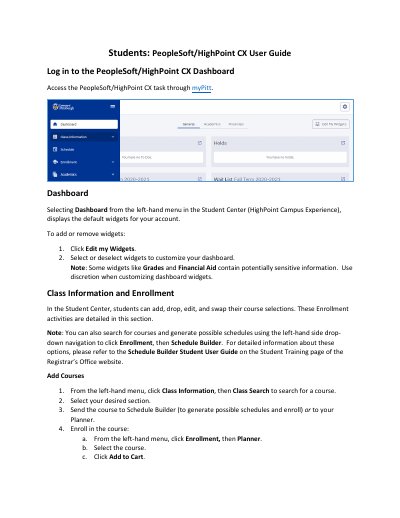
This University of Pittsburgh student guide explains how to log in to the PeopleSoft/HighPoint CX Dashboard through myPitt and customize dashboard widgets in the Student Center.
It covers class enrollment, adding and dropping courses, editing and swapping enrollment, viewing enrollment dates, academic records, and updating My Profile information, with help available from the Office of the Registrar.
Click Edit my Widgets, then select or deselect widgets to customize your dashboard.
From the left-hand menu, click Enrollment, then Drop Classes, select the courses, and confirm your drop decision.
Contact the Office of the Registrar at 412-624-7649 if you have any questions.