
This manual provides an introduction to the features and operation of the ENCOM Wireless Harmony SBX Remote I/O Network Monitoring and Control Units. This manual provides detailed instructions on how to configure, install, and use Harmony SBX units.
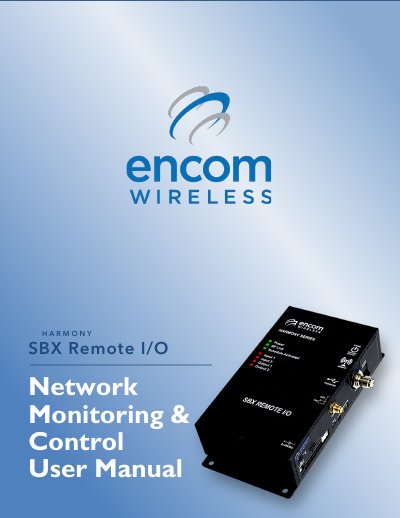
The Encom Harmony SBX Remote I/O is a wireless device designed to monitor and control field equipment from a network operations center. It features both analog and digital I/O capabilities, allowing for the remote management of various peripherals such as traffic cabinets, solar power systems, and irrigation controls. The device operates within a robust 900MHz Frequency Hopping Spread Spectrum (FHSS) wireless system.
| Wireless System | 900MHz Frequency Hopping Spread Spectrum (FHSS) |
|---|---|
| I/O Types | Analog and Digital |
| Maximum Effective Radiated Power | 36 dBm |
STRATOS Elite Central Management Software is used to configure, manage, and monitor any Harmony device.
No, an antenna is not supplied with the unit and must be ordered separately from a local dealer.