
This document introduces how to use the GD-6 Acoustic Guitar library from Acousticsamples.
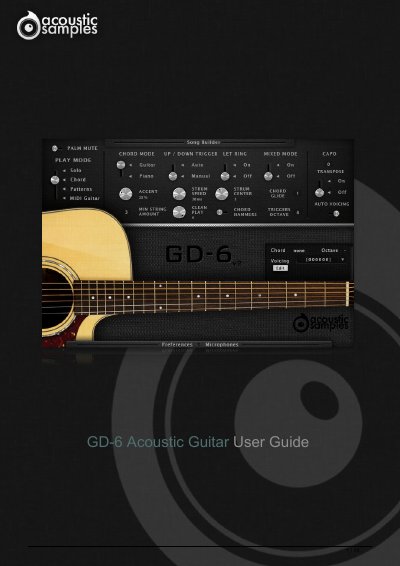
This guide details the process of setting up the GD-6 Acoustic Guitar library, including creating an iLok account, authorizing the serial number, downloading the library files, and installing the UVI Workstation player. It provides specific instructions on transferring licenses and loading the library into the software.
| Base Model | Guild D-40 custom edition electro-acoustic guitar |
|---|---|
| Recording Method | Built-in pickup and a pair of microphones |
| Trigger Range | C4 to C5 |
You need to download and install the free UVI Workstation sample player.
It converts keyboard chords to real guitar voicings using a database of thousands of standard chords.