
This manual introduces how to use the Primera device
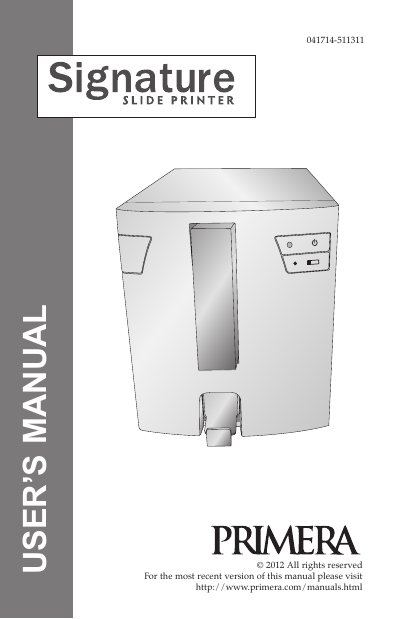
This user's manual describes the Primera Signature Slide Printer, a thermal transfer printer that prints directly onto slides. It covers choosing a location, unpacking and inspection, identifying parts, slide specifications, connecting power, loading a ribbon and slide cartridge, and installing the printer driver.
The document also explains printing from other programs, printer driver settings, indicator lights and buttons, cleaning and replacing the print head, troubleshooting print quality and ribbon breaks, retrieving a broken or stuck slide, cartridge or ribbon recognition problems, technical support, and technical specifications.
| Printing technology | Thermal transfer |
|---|---|
| Print speed | Up to 7 slides/minute (monochrome); up to 5 slides/minute (solid colors); up to 3 slides/minute (process colors) |
| Print resolution | 300 dpi |
| Ribbon types | CMYK: 1000 prints; Black: 5000 prints |
| Slide capacity | 100 slides/cassette |
| Output tray capacity | 15 slides |
| Data interface | USB 2.0 |
| Power requirements | 100-240V AC, 50/60 Hz, 60 watts |
| Warranty | One year parts and labor |
It uses 3" x 1" standard or positive charged slides with a white frosted end and clipped corners.
The printer has a print resolution of 300 dpi.
The slide bin holds up to 15 slides.
Clean the copper chip on the ribbon or cartridge with isopropyl alcohol and a soft cloth.