
This manual introduces the features and operation methods of AddressRight ™DA Series Printer DA70S, DA75S.
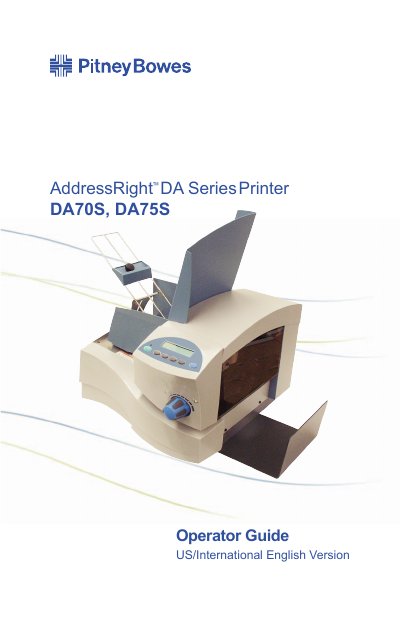
This guide provides instructions for the Pitney Bowes DA70S and DA75S desktop ink jet printers, which are designed for addressing applications. The DA75S model is a color printer using black and color ink cartridges, while the DA70S uses only a black ink cartridge. The document covers system requirements, printer features, and basic setup procedures.
| Max Speed | 14,000 #10 or DL envelopes per hour |
|---|---|
| Min Media Width | 3.5" (89 mm) |
| Max Media Width | 15.5" (394 mm) |
| Min Media Height | 3.5" (89 mm) |
| Min CPU | Pentium III 500MHz |
| Min RAM | 500MB |
The DA75S is a color printer that uses both a black and color ink cartridge, while the DA70S only uses a black ink cartridge.
The printer can be used with envelopes, booklets, catalog envelopes, postcards, self mailers, and paper.
The printer can process up to 14,000 #10 or DL envelopes per hour, depending on the address content and configuration.