
This is a vehicle docking for vehicle computers, which can fix the computer on the vehicle and power the computer through the vehicle power supply.
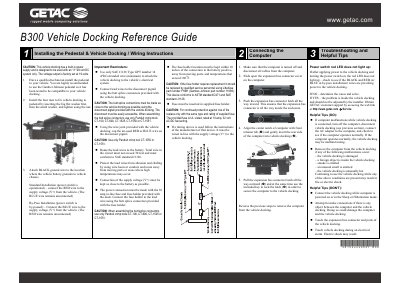
This guide explains how to install and wire the GETAC B300 vehicle docking unit, including standard and by-pass power configurations. It details connecting the computer, using the expansion bus connector, and securing the unit with a latch. Safety warnings cover proper wiring, fuse requirements, and handling precautions.
Troubleshooting tips address common issues like non-functioning power LEDs and computer malfunctions. The guide advises disconnecting the docking unit if damage, smoke, or unusual heat is detected, and provides steps to test if the docking unit is faulty by using an AC adapter.
Use the RED and BLACK wires to utilize the power switch on the vehicle docking.
Use the BLUE and BLACK wires to continuously power the vehicle docking and bypass the power switch.