
This document is a technical manual about PLAYER ZERO JSON Commands
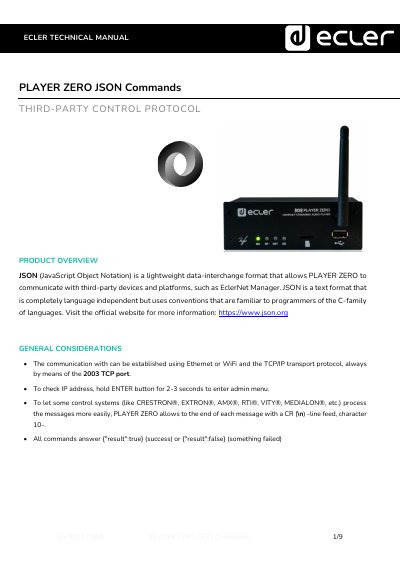
This document details JSON-based commands for controlling the Ecler PLAYER ZERO media player. It covers player settings, playlist management, configuration, presets, events, calendar, scripts, device operations, and panel controls. Commands use the JSON-RPC 2.0 protocol over TCP/IP on port 2003. All commands return success or failure status in JSON format. The manual also includes device management functions like reboot, firmware update, and MAC address retrieval.
| Communication Protocol | JSON-RPC 2.0 over TCP/IP on port 2003 |
|---|---|
| Success Response | {"result":true} |
| Device Version | 3.04r0 |
| MAC Address | 32 41 41 20 40 42 |
Use the command: {"jsonrpc":"2.0","method":"Player.Stereo","Stereo":false}
The default response is {"result":true}.
Use the command: {"jsonrpc":"2.0","method":"Device.GetMac"}.
Use the command: {"jsonrpc":"2.0","method":"Device.Reboot"}.