
This document introduces the installation and use of the Zenith35 GNSS series, including accessories, charging, software settings, etc.
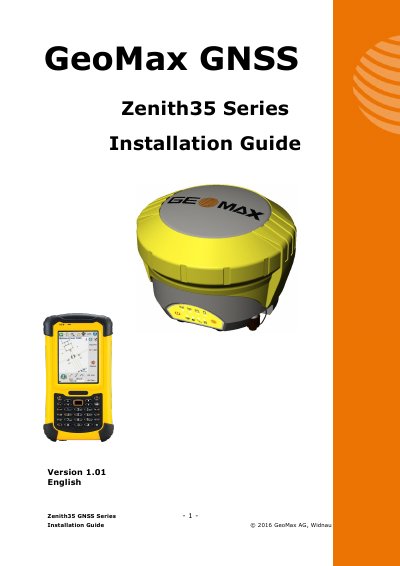
This guide provides step-by-step instructions for preparing the Zenith35 GNSS series for measuring work. It covers tasks such as battery charging, connecting the receiver to a PC, configuring the UHF radio, uploading firmware, and installing licenses. The guide also explains how to set up the receiver as a rover or base station for RTK measurements.
The document references additional resources, including the GeoMax Z35WebManager web application for configuration and firmware updates, and external manuals for the Getac PS336 handheld and FieldGenius/Layout Pro software.
Connect the receiver via WiFi using the serial number, then access http://192.168.10.1 in a web browser.
User name: admin, Password: password.
Go to the 'Updates' tab in GeoMax Z35WebManager, click 'Choose File' to select the firmware, then click 'Upload'.