
This PDF document is about the Lux PSDH121 thermostat installation manual.
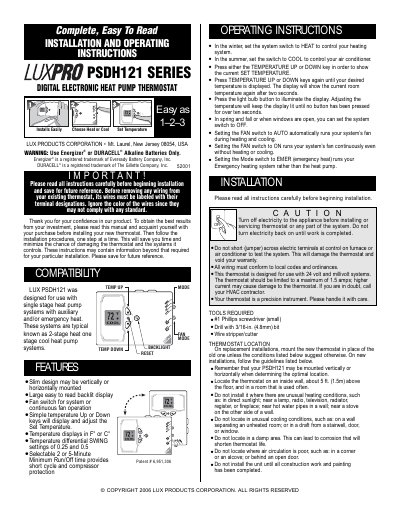
This manual provides step-by-step installation and operating instructions for the LUX PSDH121 thermostat, designed for single-stage heat pump systems with auxiliary or emergency heat. It includes wiring diagrams, mounting guidelines, and calibration procedures. The thermostat features a slim design, backlit display, and adjustable temperature settings. Safety precautions and battery installation are also covered.
The manual emphasizes careful handling, proper wiring, and correct mounting location to ensure optimal performance and avoid damage. It includes jumper settings for minimum run time, temperature format, display orientation, and swing settings. Users are instructed to label wires before removal and to follow all safety warnings, including turning off power before installation.
| Minimum Run Time | 2 or 5 minutes |
|---|---|
| Temperature Display | F° or C° |
| Display Orientation | Horizontal or Vertical |
| Temperature Swing | 0.25 or 0.5 |
Use Energizer® or DURACELL® Alkaline Batteries Only.
Slide the MODE switch to OFF, press and hold the Up and Down buttons until the display shows a single digit between +5F° (+3C°) and -5F° (-3C°), then use the Up or Down buttons to adjust the reading.
Limited Warranty: If this unit fails because of defects in materials or workmanship within three years of date of original purchase, LUX will, at its option, repair or replace it.