
Browan Communications Pico Next Gateway User Guide

This is a document about Pico Next Gateway user guide, introducing the features and characteristics of the product
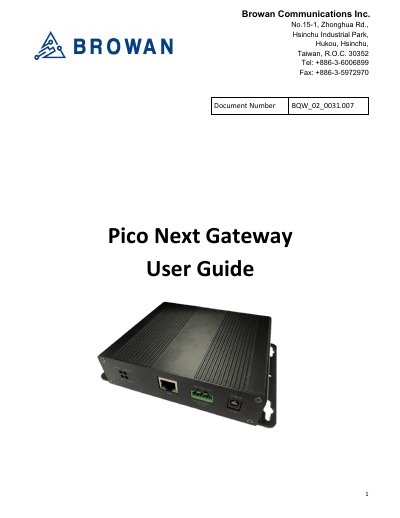

Browan Communications Pico Next Gateway User Guide - cover page
Brand
Browan Communications
Category
Other Electronics
Document type
User Manual
Language
English
Pages
39
File format
PDF
File size
2.6 MB
Published
26 October, 2023
Updated
26 October, 2023
MD5 checksum
AD7363E45D7C25694C3E05BEA064F640

About this manual

The Pico Next Gateway is a LoRa gateway equipped with GPS, supporting connections via Ethernet, LTE, and Wi-Fi. It is specifically designed for wide-area IoT applications such as home security, automatic meter-reading, and monitoring streetlights. Depending on the specific SKU, certain functions may not be available.

What's inside

  • Product Overview
  • LED Functions
  • Reset Button
  • I/O Ports
  • Professional Installation Instructions
  • Firmware Upgrade
  • GUI Access
  • LoRa Settings
  • Network Configuration
  • VPN Settings

Frequently asked questions

What is the Pico Next Gateway designed for?

It is specifically designed for wide-area IoT applications.

What connection methods does the Pico Next Gateway support?

It supports ethernet, LTE, and Wi-Fi connections.

What is the minimum distance required between the radiator and user body?

The minimum distance is 20 cm.

What happens when the RESET Button is held and then released while the Power LED is flashing?

The 'reboot' procedure is triggered.

Download PDF (2.6 MB)