
This document introduces the setup method of Garmin MFD / MPower, including requirements, concepts, processes, and features.
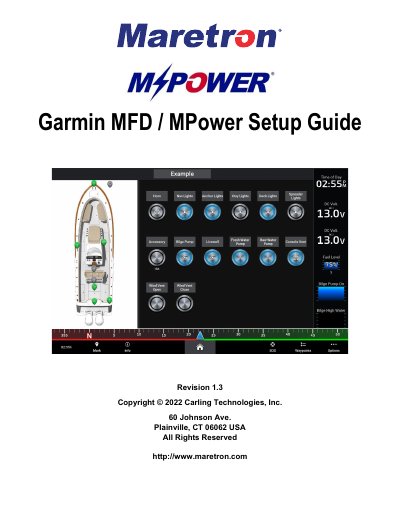
This guide explains how to configure Carling Technologies MPower digital switching devices to be controlled by compatible Garmin MFDs. It details the requirements for NMEA 2000 networking and lists supported Garmin models, including the GPSMAP and Volvo Penta series.
The document provides step-by-step instructions for enabling switching pages, naming and configuring switches, and creating custom vessel layouts. It also covers advanced features such as adding boat view images, creating switching page overlays, and saving system profiles to an SD card for easy transfer or OEM assembly line use.
| Required Software Version | Garmin software release v26.1 or higher |
|---|---|
| Compatible Garmin Series | GPSMAP 74xx/xsv, 76xx/xsv, 8xxx, 84xx, 86xx, 7x2, 9x2, 12x2, 7x2 Plus, 9x2 Plus, 12x2 Plus, 7x3, 9x3, 12x3, A12, 10x2, 12x2, Volvo Penta Glass Cockpit 8xxx, 76xx/xsv, 86xx, A, B, EchoMAP UHD, EchoMAP Ultra |
| Network Protocol | NMEA 2000 |
Supported models include the GPSMAP 74xx/xsv, 76xx/xsv, 8xxx, 84xx, 86xx, 7x2, 9x2, 12x2, 7x2 Plus, 9x2 Plus, 12x2 Plus, 7x3, 9x3, 12x3, A12, 10x2, 12x2, Volvo Penta Glass Cockpit 8xxx, 76xx/xsv, 86xx, A, B, EchoMAP UHD, and EchoMAP Ultra series.
The document requires Garmin software release v26.1 or higher for the latest updates.
Yes, you can save your 'System Profile' to an SD card to copy settings to an upgraded Garmin device or for OEM assembly line efficiency.