
Fidelity Life Insurance Planner & Analysis and Retirement Planner User Guide

This User Guide explains how to use the Rolling Years Method to calculate your retirement income and help you plan for your retirement.
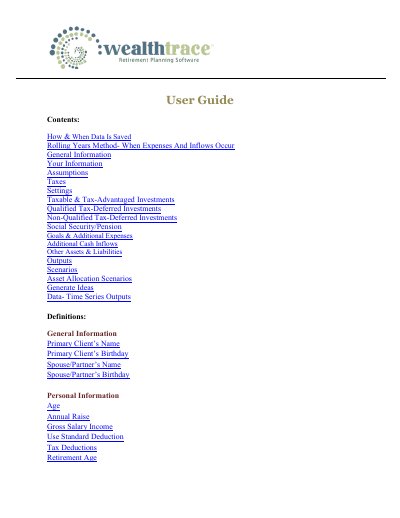

Fidelity Life Insurance Planner & Analysis and Retirement Planner User Guide - cover page
Brand
Fidelity
Category
Financial Management
Document type
User Manual
Language
English
Pages
48
File format
PDF
File size
823 KB
Published
26 October, 2023
Updated
26 October, 2023
MD5 checksum
7F66ED5699C477618C5E0F1E6398AC61

About this manual

This document serves as a user guide for the Fidelity Life Insurance Planner & Analysis and Fidelity Retirement Planner applications. It details the software's functionality regarding how and when data is saved, the rolling years method for calculating expenses and inflows, and the general information required to set up a plan.

What's inside

  • How & When Data Is Saved
  • Rolling Years Method
  • General Information
  • Assumptions
  • Settings
  • Outputs
  • Scenarios
  • Definitions
  • Client Portal
  • Report Templates

Frequently asked questions

What happens to salary income after retirement age in the plan?

The Salary Income is assumed to go to $0 at the Retirement Age of each person in the plan.

What is the default assumption for tax deductions in the plan?

Tax deductions are assumed to grow at the Annual Inflation rate.

What is the purpose of setting the Retirement Date instead of Retirement Age?

It allows you to be more specific about when living expenses in retirement begin and when contributions to investments end.

Download PDF (823 KB)