
This manual introduces the use of PowerBox Teleconverter, including registration, connection, setting modes, software updates, etc.
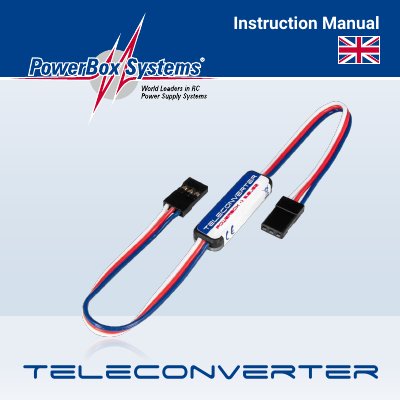
This manual explains how to register and connect the PowerBox Teleconverter to a Futaba S-BUS2 system. It covers setup using the PowerBox Terminal software, data transmission options, and GPS data support. The document also includes service, warranty, and liability information.
The Teleconverter is designed for RC power systems and requires no registration with Futaba transmitters unless slot reassignment is needed. It transmits battery voltage, residual capacity, and telemetry data, with optional GPS data support when used with Royal SRS systems.
Select the 'PowerBox' sensor for Slot 8 in the Sensor menu. Registration is only needed if moving to different slots.
Battery voltage and residual capacity for both batteries, number of fades, lost frames, and fail-safe events. With Royal SRS GPS, it also transmits 3D speed, altitude, distance, and GPS positional data.