
SSL Fusion Transformer is a mixing plug-in that simulates the 600-ohm, 1:1-wound under-damped transformer found in the Fusion hardware. It adds low-end thickening and high-end sheen to your productions, from subtle presence and body on vocals and instruments, to tight lows and sizzling highs on mixes and masters.
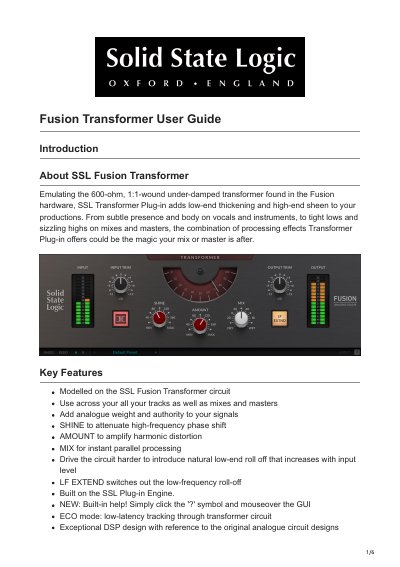
The SSL Fusion Transformer plug-in emulates the 600-ohm, 1:1-wound under-damped transformer found in the original Fusion hardware. It adds low-end thickening and high-end sheen to productions, offering features like SHINE to attenuate high-frequency phase shift, AMOUNT to amplify harmonic distortion, and MIX for instant parallel processing. The plug-in is built on the SSL Plug-in Engine and includes built-in help and ECO mode for low-latency tracking.
It emulates the 600-ohm, 1:1-wound under-damped transformer found in the Fusion hardware.
It augments or reduces the high-end sheen and phase shift introduced by the transformer.
It switches out the low-frequency roll-off that occurs as you drive the transformer circuit.
It is supplied in VST, VST3, AU (macOS only) and AAX (Pro Tools) formats.