
RingCentral Fax QuickStart Guide

RingCentral Fax is a software that helps users send, receive and manage fax files. It can send faxes via the web, email and mobile devices, and supports 20MB attachments.
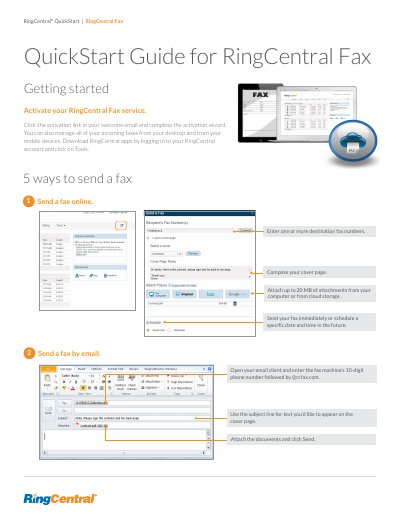

RingCentral Fax QuickStart Guide - cover page
Brand
RingCentral
Category
Other software
Document type
Quick Start Guide
Language
English
Pages
3
File format
PDF
File size
899 KB
Published
21 October, 2023
Updated
21 October, 2023
MD5 checksum
6D77185EE180010D4FC6DF339B650544

About this manual

This guide explains how to activate the RingCentral Fax service using a welcome email link and manage incoming faxes from desktop or mobile devices. It details five methods for sending faxes, including online, via email to an rcfax.com address, using the RingCentral for Desktop application, and through the mobile app.

What's inside

  • Activate your RingCentral Fax service
  • Send a fax online
  • Send a fax by email
  • Send a fax using RingCentral for Desktop
  • Send a fax using the RingCentral mobile app
  • Receive a fax using RingCentral for Desktop
  • Receive a fax using the RingCentral mobile app
  • Receive a fax from your online account

Frequently asked questions

How do you send a fax using the RingCentral mobile app?

Send a fax from Microsoft® applications.

What is the maximum file size allowed for attachments when sending a fax?

Attach up to 20 MB of attachments.

Where can you find the status of your outgoing fax?

Find the status of your outgoing fax in the messages tab of your online account.

How long are archived faxes available in the Sent Items folder?

You can access archived faxes for one year.

Download PDF (899 KB)

More RingCentral Manuals


View all RingCentral manuals →