
This is the instruction manual for Avery Weigh-Tronix Eyecon Pill Counting, Inventory, and Validation System
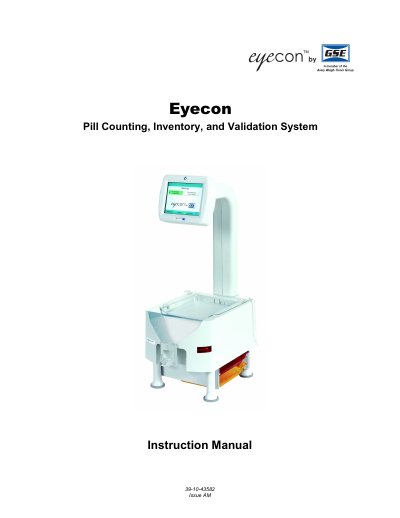
This manual provides step-by-step instructions for installing, configuring, and operating the Eyecon pill counting system. It includes safety warnings, setup procedures, user management, and troubleshooting. The system uses machine vision to accurately count and validate pills, with features for handling different pill types and managing inventory.
The manual also covers software updates, data backup, network settings, and audit reports. It includes detailed sections on training pill images, handling controlled substances, and integrating with pharmacy systems like McKesson Enterprise Rx.
| Supply Voltage | 100 VAC - 240 VAC |
|---|---|
| Frequency Range | 47 Hz - 63 Hz |
| Power | 150 Watt |
| Temperature Range | 50 - 90 ºf |
| Accuracy | 99.97% count accuracy |
| Screen | 6.5" Color LCD flat panel touch screen |
| Platter Surface Area | 48 sq inch |
| Dimensions | 28" H x 11" W x 17.5" D |
| Barcode Scanner Symbologies | UPC/EAN, Code 39, 12 of 5 |
| Communication Interface | (2) USB, (1) Ethernet |
The system has 99.97% count accuracy.
The Eyecon consumes 150 Watts of power.
The operating temperature range is 50 to 90 degrees Fahrenheit.
The Eyecon supports two USB ports and one Ethernet interface.