
This file is a user manual, instructing users on how to use the EXact control panel, including display icons, changing temperature/airflow, and reading the alarm log.
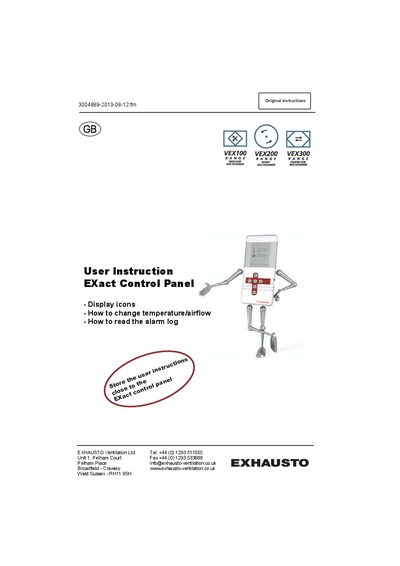
This document provides instructions for operating the EXact Control Panel, including how to change temperature and airflow settings, read alarm logs, and interpret display icons. It covers manual, timer, BMS-controlled, and external-controlled operation modes. The manual also explains how to navigate menus and reset alarms.
The panel displays status icons for unit alarms, warnings, de-icing, and communication failures. Users can adjust settings using navigation keys and confirm changes. Alarm logs can be viewed and navigated using the display and keys, with options to delete logs or reset alarms.
Press the display brightness key, then select temperature or airflow using the navigation keys. Change the value using the keys and confirm with the activate key.
Press the display brightness key, then move the black bar to the numbers below the alarm icon using the navigation keys. Press again to view the alarm and info menu.