
This document is a new functions manual for Surfix Pro X 4.0 instrument.
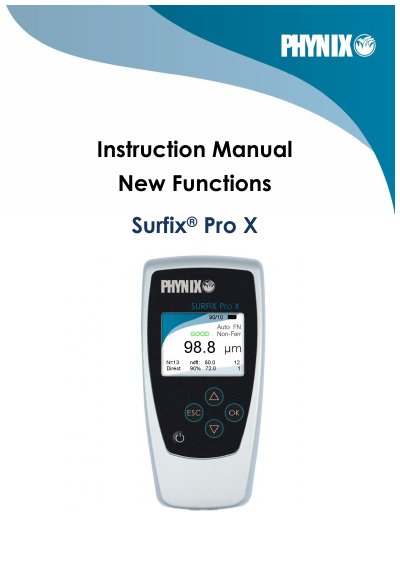
This manual describes new functions for the PHYNIX Surfix Pro X coating thickness gauge. It provides step-by-step instructions for performing combined zero and foil calibration, as well as setting a new probe zero using a zero plate. The document explains how to activate and deactivate specific measurement modes.
Select Combi-calibration, press the key to set zero, then place the probe on the foil standard and press the key to set the standard value.
It determines a new zero value for ferrous or non-ferrous mode by positioning the probe on a zero plate to increase accuracy if deviations are small.
Press the key three times until Measuring mode appears, select Autom. Detection, press twice for SSPC PA2 mode, and confirm activation.
Select Measuring mode, choose IMO PSPC 90/10 mode, activate it, and then set the nominal dry film thickness using the arrow keys.