
This manual introduces how to use EDR Auto Smart, including installation, operation and maintenance
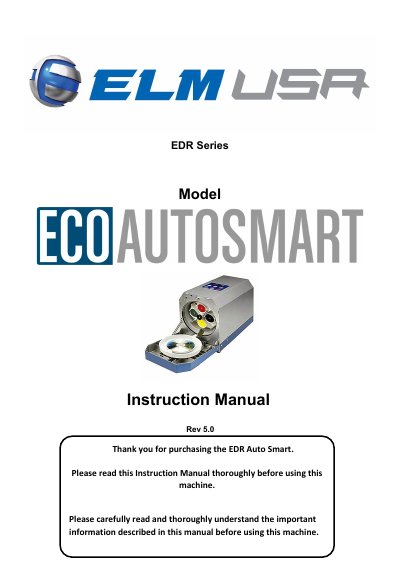
This manual provides step-by-step instructions for installing, operating, and maintaining the EDR Auto Smart disc repair machine. It covers setup, power management, repair modes, LED displays, consumable replacement, error handling, and daily maintenance. Safety warnings are included for proper usage and servicing. The machine requires a grounded outlet and must not be used in hazardous environments. Contact ELM USA for service support.
| CPU | 16bit RISC Microprocessor |
|---|---|
| Operation ambient Temperature range | 59 to 95 degrees F |
| Operation ambient Humidity range | Below 90% |
| Power supply | 100VAC to 240VAC, 150W |
| Dimensions | 20x8 5/8 x11½” (Including compound tank holder) |
| Weight | Approx. 29 lbs |
The machine requires 100VAC to 240VAC, 150W, 50/60Hz.
Press the Stop (red) Button to reset errors.
Stop operation, turn off the power, unplug the cord, and contact ELM USA.
The manual is dated September 20, 2014, but no warranty duration is specified in the text.