
This manual introduces the use of the 4-channel thermometer, including basic functions, safety information, specifications, button functions, operating instructions, power and Bluetooth adapter preparation, maintenance, etc.
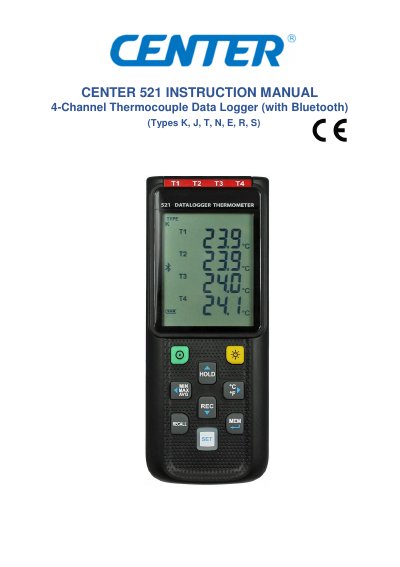
This document is the instruction manual for the CENTER 521, a 4-channel thermocouple data logger supporting types K, J, T, N, E, R, and S. It provides guidance on safety, features, and button operations including power control, backlight, data hold, recording, and memory management.
| Channels | Four-channel inputs |
|---|---|
| Thermocouple Types | K, J, E, T, N, R, S |
| Data Storage Capacity | 32000 records per channel |
| Battery Type | UM-4 or AAA 1.5V battery x 4 |
| Bluetooth Battery Life | Approx. 30 hours |
| Operation Temperature | 0°C to 50°C |
Press the SETUP button to enter options, select the Bluetooth setting, and press the button to turn it on or off.
Press the SETUP button, navigate to the thermocouple type setting, and press the button to select K, J, E, T, N, R, or S.
When the memory is full (32,000 records), the 'FULL' symbol blinks on the LCD screen and the data logger stops.