
Operation instructions, which introduce the basic operation methods of the camera
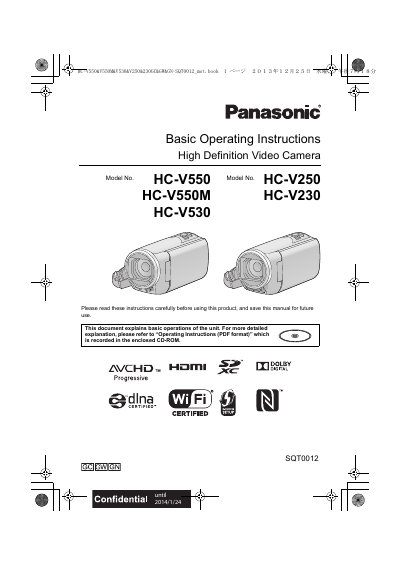
This document provides basic operating instructions for the Panasonic HC-V550 series high definition video cameras, including models HC-V550, HC-V550M, HC-V530, HC-V250, and HC-V230. It covers essential safety precautions, product identification, and initial setup steps such as inserting batteries and SD cards. The manual explains how to turn the unit on and off, select recording modes, and use the touch screen interface.
| Supported Recording Formats | AVCHD, MP4, iFrame |
|---|---|
| Compatible Memory Cards | SD Memory Card, SDHC Memory Card, SDXC Memory Card |
| Minimum SD Card Capacity | 4 GB or more |
| Maximum SD Card Capacity | 48 GB or less |
You can select from AVCHD, MP4, or iFrame recording formats to record motion pictures.
The unit supports SD Memory Cards, SDHC Memory Cards, and SDXC Memory Cards.
Remove the battery and/or AC adapter and leave the unit for about one hour to let it acclimate to the temperature.