
This manual is the user manual of OVERLORD 3D printer of Shanghai Zhiwei Robot Co., Ltd., which introduces the basic operation, printing, maintenance and other contents of the printer.
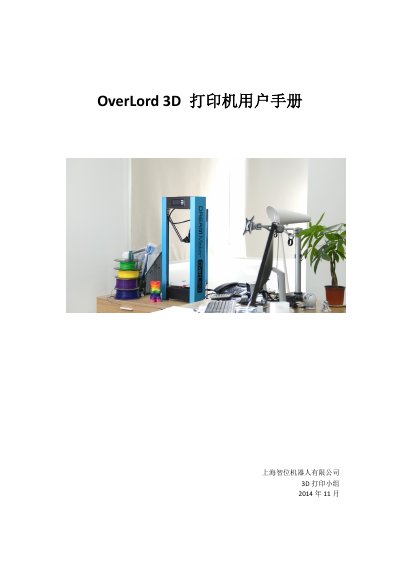
This user manual covers the OverLord Pro 3D printer, including safety precautions, operation menus, and printing procedures. It details the setup of the Cura software, the printing process, and advanced features such as resume printing and automatic calibration. This manual is written in Chinese.
| Print Volume | 170mm x 260mm diameter x height |
|---|---|
| Print Speed | 100mm/s |
| Nozzle Diameter | 0.4mm |
| Rated Power | 221 W |
| Operating Temperature | 15℃~32℃ |
| Device Weight | 12kg |
The recommended operating temperature range is 15 to 32 degrees Celsius.
Run the Level—Auto function in the menu to perform automatic leveling before printing.
Check if the nozzle temperature sensor wire is loose and reseat the nozzle bus; if the problem persists, contact support.