
Gramps is a free family tree software
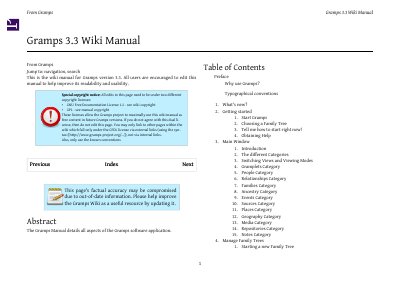
This manual provides step-by-step instructions for using Gramps 3.3, a free genealogy software. It covers starting the program, managing family trees, entering and editing data, creating reports, and using plugins. The guide also explains navigation, filters, and advanced settings for genealogical research.
The manual is community-edited and licensed under dual licenses (GNU FDL and GPL), allowing it to be used as free content in future Gramps versions. It includes tips, notes, and warnings to help users avoid common pitfalls.
Start Gramps, choose a family tree, or create a new one. You can also open existing GEDCOM or XML databases.
Gramps is a software package designed for genealogical research.
Users can include pictures or other media in their records.
Gramps allows users to exchange data with other programs.