
SQM-LE operator's manual
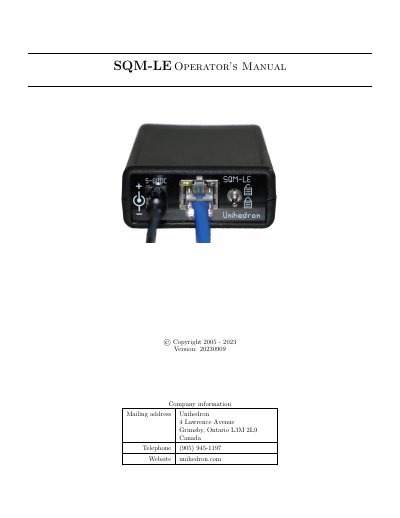
This manual provides instructions for operating the Unihedron SQM-LE, a sky brightness meter used for astronomical observations and light pollution monitoring. It covers setup, measurements, software integration, hardware connections, and troubleshooting. The device connects via Ethernet or USB and is controlled using the Unihedron Device Manager or custom software. It supports calibration, data logging, and integration with FITS for astronomical data.
The manual includes detailed sections on commands, firmware upgrades, sensor calibration, and troubleshooting common issues such as incorrect readings or connectivity problems.
Connect the SQM-LE to your network router or computer using the supplied Ethernet or crossover cable, connect the power supply, launch UDM, click 'Find' to locate the device, then click 'Reading' to start measuring.
You can use Unihedron Device Manager, Knightware SQM-Reader, or custom software in Perl, Python, or other languages provided on the CD.
Yes, programs like MaxPilote, CCDAutoPilot, and FITS4Win2 can incorporate SQM-LE readings into FITS headers for astronomical data.