
This document is the user manual of BACnet Router. It introduces the function and usage of the device.
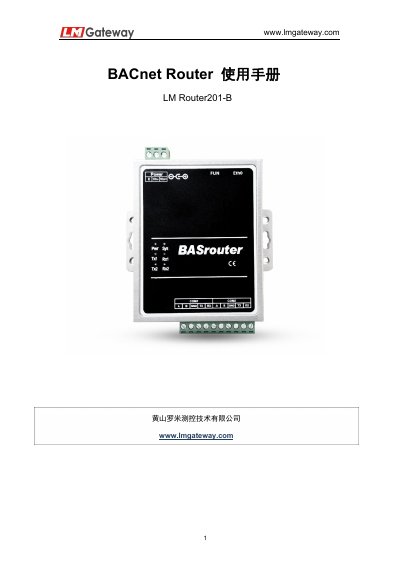
This manual guides users through configuring the LM Router201-B, a BACnet gateway supporting both BACnet IP and MS/TP protocols. It covers web-based setup, network and BACnet settings, and hardware specifications.
The device supports integration with major DDC controllers and allows program upload/download. Hardware specs include an ARM926EJ CPU, 64MB RAM, dual RS485 ports, and IP51 protection. Configuration requires a browser and default IP 192.168.1.233. This manual is written in Chinese.
| CPU | ARM926EJ, 300MHz |
|---|---|
| Memory | 64MByte |
| Flash | 128MByte SLC Flash |
| Ethernet Port | 100M/10M |
| Power Supply | DC9V~36V |
| Weight | 170g |
| Protection Rating | IP51 |
| Dimensions | 130mm×109mm×35mm |
The default IP address is 192.168.1.233.
It can support up to 2 MS/TP buses.
The default port is 47808 (0xBAC0).
Google Chrome is recommended.