
User manual of Funcun-Wuyou Intelligent Proofreading System, which introduces the main functions of the system, including chapter proofreading, official document typesetting, and auxiliary writing.
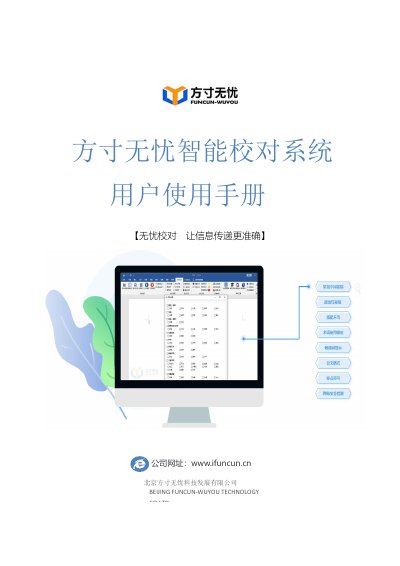
The Funcun-Wuyou Intelligent Proofreading System is a text correction tool developed by Beijing Funcun-Wuyou Technology Co., Ltd. in collaboration with the National Committee for Standardization of Scientific and Technical Terms. It utilizes big data, artificial intelligence, and natural language processing to detect and correct various types of errors, including political, terminology, punctuation, and formatting issues, based on authoritative standards and a database of over 600,000 standardized terms. This manual is written in Chinese.
| Covered Disciplines | Over 70 disciplines |
|---|---|
| Training Data Volume | Nearly 5T of real text corpora |
| Compatible Software Version | WPS 2016 and above |
The system can detect errors such as homophonic and visually similar wrong characters, missing or extra characters, misplaced characters, repeated words, name errors, job title mismatches, sorting errors, and incorrect leader speech citations.
Yes, the embedded version is designed for WPS software (2016 and above) and integrates directly into the WPS toolbar for use by government agencies, military units, and enterprises.
Users can add custom forbidden words or context-specific forbidden words via the 'Forbidden Word Dictionary' settings, specifying the word and the context in which it is prohibited.