
C6XD is a 5.1-channel home theater amplifier that supports FM, USB drive, SD card, OPT (optical fiber), PC, AUX and other multi-source, can be controlled by remote control.
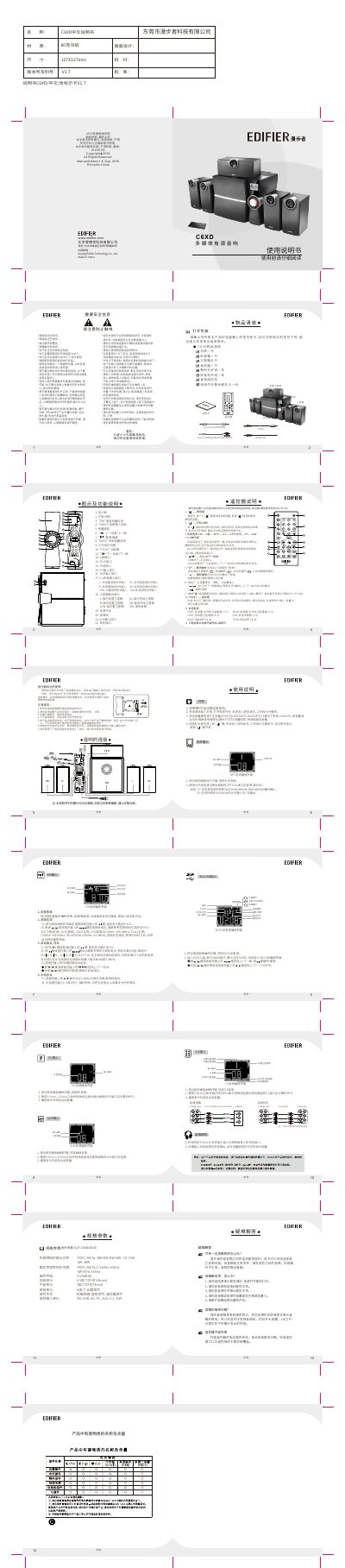
This manual provides setup instructions for the Edifier C6XD 5.1 channel home theater amplifier, including input selection (FM, USB, SD, PC, AUX, 5.1, Optical), volume control, and speaker configuration. It also covers troubleshooting for common issues like no sound or remote control failure.
Key controls include power/standby, source selection, volume adjustment, and surround sound mode switching. The amplifier supports 5.1 channel output and includes a subwoofer, five satellite speakers, and a remote control. Safety and usage guidelines are provided for proper installation and operation. This manual is written in Chinese.
| Output Power | FR/FL/SR/SL: 8W+8W+8W+8W, CE: 10W, SW: 38W |
|---|---|
| Frequency Response | FR/FL/SR/SL/C: 160Hz-20KHz, SW: 55Hz-160Hz |
| Noise Level | ≤25dB(A) |
| Low-End Speaker | 6.5英寸(外径166mm) |
| Mid-End Speaker | 3英寸(外径78mm) |
| High-End Speaker | ¾英寸 丝膜球顶 |
| Input Ports | FM, USB, SD, PC, AUX, 5.1, Optical |
Press the 'SUR' key to switch between 2.1 output and 5.1 output. The 'SUR' key has no effect in 5.1 input mode.
First, check if the speaker connections are secure. Try connecting to another audio source; if the speakers work, check your previous audio source. If the issue persists, contact after-sales service.
Check if the power plug is securely connected and the power switch is on. Verify the audio source and cables. Ensure the volume is not set to minimum. Unplug the power and restart the device.
Remove the battery compartment cover as shown in the diagram. Insert the CR2025 battery correctly and close the compartment. Note: The remote comes with a pre-installed CR2025 battery covered with insulating tape; remove the tape before first use.