
CHB series force display control meter instruction manual, introduces the safety use, appearance size, wiring diagram, panel and button instructions, parameter list and other contents
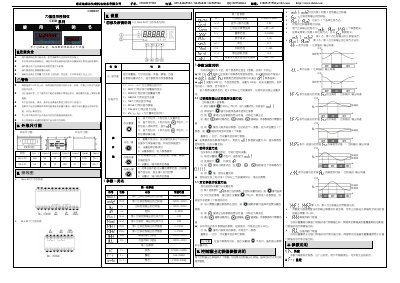
This is the user manual for the Detair CHBE07 force display control meter, designed for industrial measurement and control. It includes safety warnings, physical dimensions, wiring diagrams, and detailed instructions for operating keys and parameter settings. The device features multiple display modes (gross, net, peak, valley) and configurable output controls with sensitivity and threshold settings. Parameters are divided into two groups, protected by a password system that can be set or disabled. The manual provides step-by-step procedures for setting comparison values, configuring output modes, and managing calibration coefficients. This manual is written in Chinese.
| Output Comparison Range | -19999 ~45000 |
|---|---|
| Sensitivity Range | 0 ~19999 |
| Calibration Coefficient | 0.5000~3.0000 |
| Zero Point Range | -19999~45000 |
Press and hold the set key for more than 2 seconds to enter setup mode. Use the left and right keys to navigate parameters, and press the increase/decrease keys to adjust values. Press the set key to save and move to the next parameter.
Hold the set key until the display shows the password prompt. Press the left/right keys to switch to the password input mode, then use the keys to enter the desired 4-digit password. Press the set key to confirm.
There are six comparison modes: total value > comparison value, total value < comparison value, positive deviation > comparison value, negative deviation > comparison value, absolute deviation > comparison value, and absolute deviation < comparison value.
If the total value is within the zeroing range and remains unchanged, press and hold the decrease key for 2 seconds to reset to zero.