
This instruction manual mainly introduces the use method, precautions, appearance size, wiring diagram, parameter setting and other contents of XSJDE11 quantitative control meter product.
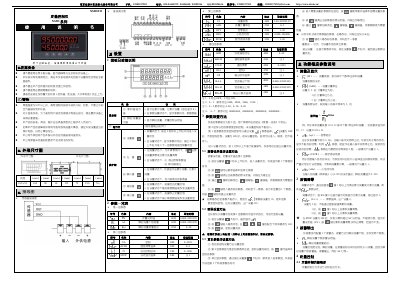
This manual provides instructions for installing, calibrating, and operating the XSJDE11 quantitative control meter. It includes safety warnings, wiring diagrams, panel layout, and detailed parameter settings with step-by-step procedures. The device is designed for flow control applications and requires qualified personnel for setup and maintenance.
The manual covers alarm settings, password configuration, and communication parameters. It explains how to adjust flow coefficients, units, and control thresholds. Safety precautions are emphasized, including avoiding use in hazardous environments or with life-critical equipment. This manual is written in Chinese.
| Model | XSJDE11 |
|---|---|
| Brand | Nanjing Diter Instrument & Electric Equipment Co., Ltd. |
| Flow Unit | Seconds, Minutes, or Hours |
| Alarm Delay | 0~20 seconds |
| Communication Baud Rate | 2400, 4800, 9600, 19.2k |
Do not use in atomic or medical equipment. Install a safety circuit breaker in the power supply. Avoid use in explosive environments. Do not mount directly above heat-generating equipment. Keep cooling air away from the unit if operating above 50°C.
Set AFH to 0 for seconds, 1 for minutes, or 2 for hours.
Set the alarm delay parameter (Byt) to a value between 0 and 20 seconds.
The default password is 1111, which can be set or cleared using the setup key and keypad.