
This is a user manual for LibreCAD
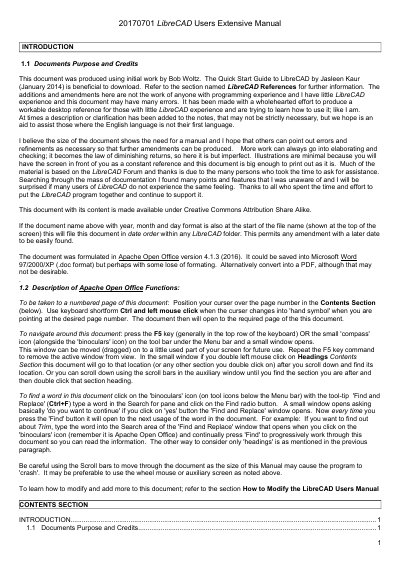
This manual is designed for users with little or no experience with LibreCAD. It provides detailed instructions on how to use the program’s tools, menus, and commands. The guide includes sections on drawing entities, coordinates, dimensions, text, hatching, and editing features. It also explains how to navigate the document and use Apache Open Office functions for searching and moving through content. The manual is written in plain English and includes minimal illustrations, assuming users will refer to the screen for visual guidance.
This manual is for LibreCAD.
This document was produced to be a workable desktop reference for those with little LibreCAD experience.
The document was formulated in Apache Open Office version 4.1.3 (2016).
Users can position the cursor over the page number in the Contents Section and use Ctrl + left mouse click when the cursor changes into a 'hand symbol'.