
This manual details the installation methods, function descriptions and usage methods of the LED display screen with communication.
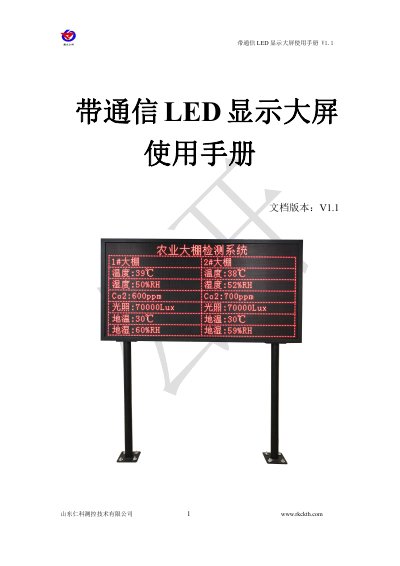
This manual describes how to install and operate a communication LED display screen that pulls real-time data from a cloud platform. The screen features a 192x96 pixel array and can display data from 32 nodes across four screens. Installation involves mounting two 1.5m poles and attaching the screen with screws. The manual includes part lists and contact information.
The screen supports remote viewing with adjustable font size and is compatible with RS-DCEN-M communication servers. It comes with mounting hardware, a network cable, and a wrench. Additional configuration details are referenced in the RS-DCEN-M server manual. This manual is written in Chinese.
| Display Resolution | 192*96 |
|---|---|
| Screen Dimensions | 2m wide, 1.04m high |
| Pole Spacing | 1.5m |
| Pole Height | 1.5m |
The display resolution is 192*96 pixels.
The screen can display real-time data from 32 nodes.
It supports empty network port transmission and 4G network port + 4G transmission.