
LC-Vortex is a compact, fast and thorough mixing instrument. It is suitable for the mixing of general test tubes, centrifuge tubes, separatory funnels and pipettes, and is widely used in biochemical, genetic engineering, medical and other experimental needs.
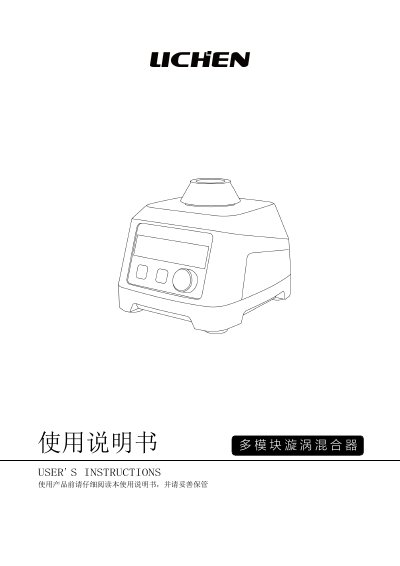
This user manual provides detailed instructions for operating the Lichen Technology LC-Vortex vortex mixer. It covers safety precautions, installation, usage modes (touch and continuous), maintenance, and troubleshooting. The device is designed for mixing liquids in test tubes and centrifuge tubes, with features like LCD display, brushless DC motor, and adjustable speed up to 3000rpm. It includes safety warnings and maintenance tips to ensure safe and effective use. This manual is written in Chinese.
| Voltage Input | AC100-240V (50/60Hz) |
|---|---|
| Output | 12V 2A |
| Oscillation Type | Circular |
| Oscillation Diameter | 4.5mm |
| Speed Range | 3000rpm |
| Display | LCD |
| Timer Range | 0-59 minutes / 1-99 minutes |
| Operating Modes | Continuous / Touch |
| Dimensions | 145×160×115mm |
| Weight | 2.5-2.6kg |
Switch to touch mode, place the test tube vertically in the center, gently press the tube to start oscillation, and stop when mixing is complete.
The warranty period is one year from the date of sale, covering defects but excluding damage caused by user error, improper use, or unauthorized repairs.
Check if the power is connected, replace the power adapter if damaged, or contact the manufacturer if internal components are faulty.