
PM180 Series Substation Automation Unit Installation Manual
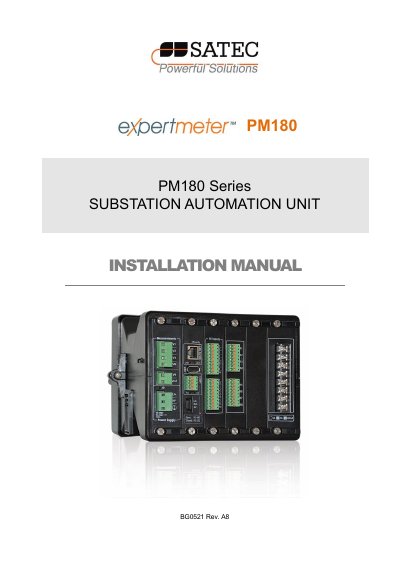
This manual provides instructions for the installation of the SATEC PM180 Series Substation Automation Unit, a multi-microprocessor-based digital instrument designed for power distribution systems. The device combines capabilities of a power quality analyzer, energy meter, fault recorder, and programmable controller.
| Warranty Period | 24-month functional warranty |
|---|---|
| Total Warranty Validity | 36 months from production date |
| Max Fault Current (Standard) | 100 Amps |
| Max Fault Current (with DFR) | 200 Amps |
| Digital Inputs Resolution | 1-ms |
| Max Sampling Rate (TRM) | 256 samples per cycle |
| Onboard Memory Capacity | 250-Mbyte |
| Power Supply Voltage | up to 690VAC |
| Communication Protocols | Modbus RTU/ASCII and DNP3.0 |
The manufacturer offers a 24-month functional warranty on the instrument for faulty workmanship or parts from the date of dispatch.
No, the unit should only be opened by a duly authorized representative of the manufacturer in a fully anti-static environment.
Ensure that all incoming AC power and other power sources are turned OFF before performing any work on the instrument.