
VOCO User Manual, introduce VOCO's functions and usage methods, including hardware requirements, system requirements, installation process, user guide, etc.
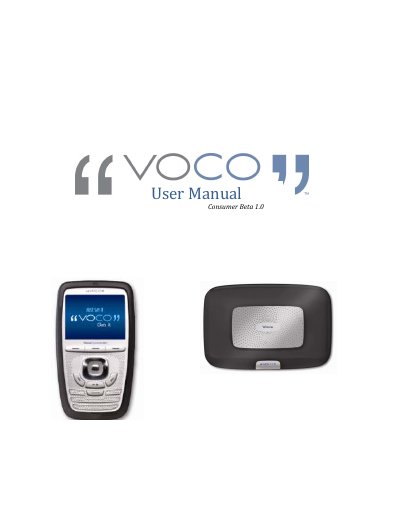
This manual serves as a guide for the Navvo VOCO Media System Consumer Beta Test. It details the critical notes for setup, including hardware requirements and supported file formats, and explains what is included in the beta box. The document provides step-by-step instructions for installing the software on a PC and scanning the user's music collection.
| Maximum Songs Supported | 7,500 songs |
|---|---|
| Processor Requirement | 500 MHz processor or better |
| RAM Requirement | 256 MB Ram |
| Compatible Operating Systems | Windows XP, Windows Vista |
| Supported Audio Formats | WAV, MP3, AAC, WMA, AIFF, Apple Lossless, MP2, FLAC, Ogg Vorbis |
Go to the I have a Question‐Suggestion/Log a Bug tab and submit your question.
Please contact 1‐888‐879‐8626.