
VOCO Beta 1.0 Media System User Manual

VOCO User Manual, introduce the information that users need to know about using VOCO, including registration, installation and use
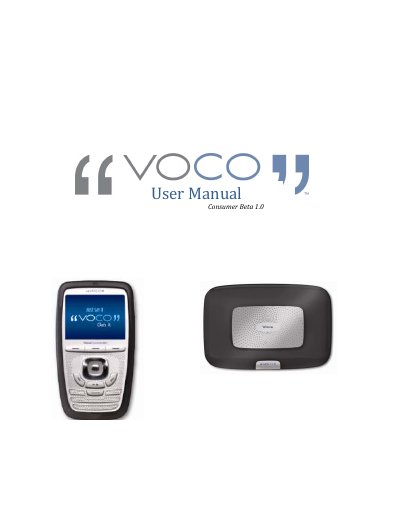

VOCO Beta 1.0 Media System User Manual - cover page
Brand
VOCO
Category
Other Electronics
Document type
User Manual
Language
English
Pages
38
File format
PDF
File size
3.3 MB
Published
20 October, 2023
Updated
20 October, 2023
MD5 checksum
FD94ACAF7F44F7B9D846772899E8711C

About this manual

This manual serves as a guide for users participating in the VOCO Consumer Beta test for the Beta 1.0 Media System. It outlines the critical notes for setup, including hardware requirements and file compatibility, and details the contents of the beta box. The document provides step-by-step instructions for installing the software on a PC and scanning the user's music collection.

What's inside

  • Welcome to the Voco Beta Test
  • Critical Notes Before You Get Started
  • What's in my Beta Box?
  • Minimum Hardware Requirements
  • Installing the Software
  • Scanning your Music Collection
  • Voice Commander Setup
  • Vzone Player Setup
  • Installation Troubleshooting
  • Frequently Asked Questions

Specifications

Maximum Songs Supported7,500 songs
Processor Requirement500 MHz processor or better
RAM Requirement256 MB Ram
Compatible Operating SystemsWindows XP, Windows Vista

Frequently asked questions

Where can I submit a question if I do not find an answer in the database?

Go to the I have a Question‐Suggestion/Log a Bug tab and submit your question.

How can I contact support in person?

Please contact 1‐888‐879‐8626.

Download PDF (3.3 MB)

More VOCO Manuals


View all VOCO manuals →