
This is the Radial Voco-Loco Mic Preamp and Effects Loop User Guide, which introduces its features.
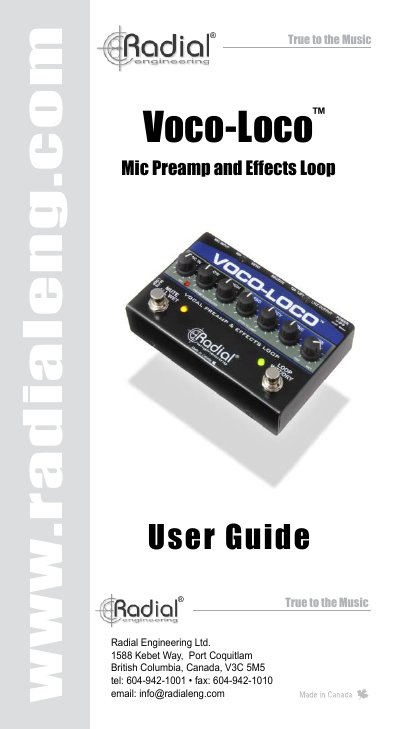
The Radial Voco-Loco is a mic-to-effects interface designed for vocalists, saxophone, trumpet, or harmonica players. It converts the microphone signal to a format compatible with standard guitar effect pedals, allowing users to process their voice or instrument through a pedal chain before sending the final mix to a PA system. The device features a studio-quality mic preamp, a 2-band equalizer, and a balanced XLR output.
| Input Connector | Balanced XLR input |
|---|---|
| Output Connector | Male XLR output |
| Power Supply | 15VDC 400mA |
| Phantom Power | 48V |
| EQ Type | Dual band EQ |
It is designed for vocalists, saxophone, trumpet, or harmonica players.
Depress the recessed rear panel switch labeled 48V until the LED indicator illuminates.
It can be set to mute the output or engage an 'all-wet' mode where only the effect signal is output.