
This document introduces the features and functions of ORION
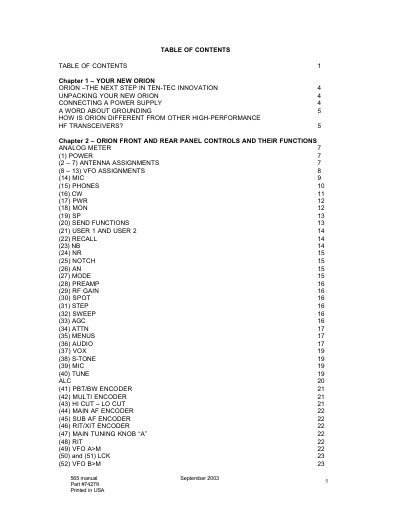
This manual provides detailed instructions for operating the Ten-Tec ORION HF transceiver, including front and rear panel controls, menu systems for transmit and receive modes, and setup procedures. It also covers technical specifications, grounding, power requirements, and troubleshooting. The ORION is designed for amateur radio use with advanced features like mode-appropriate roofing filters for improved reception in noisy conditions.
The manual includes sections on connecting external equipment, tuning, operating split frequencies, and weak signal DX reception. It also details hardware components included with the unit and guidelines for proper grounding and power supply usage.
| Power Supply Voltage | +12.8 to +15.0 Vdc (optimum +13.8 Vdc) |
|---|---|
| Current Demand | 22 amperes continuous duty |
| Roofing Filters | Seven available slots (standard: 20 kHz, 6 kHz, 2.4 kHz, 1 kHz; optional: 1.8 kHz, 500 Hz, 250 Hz) |
The optimal power supply voltage is +13.8 Vdc.
The standard roofing filters are 20 kHz, 6 kHz, 2.4 kHz, and 1 kHz.
Connect all station equipment chassis together using heavy gauge flat ground braid to a ground rod. Avoid using copper water pipes as they violate the National Electrical Code.