
This manual introduces the usage methods of nVent TraceTek TT-TS12 touchscreen.
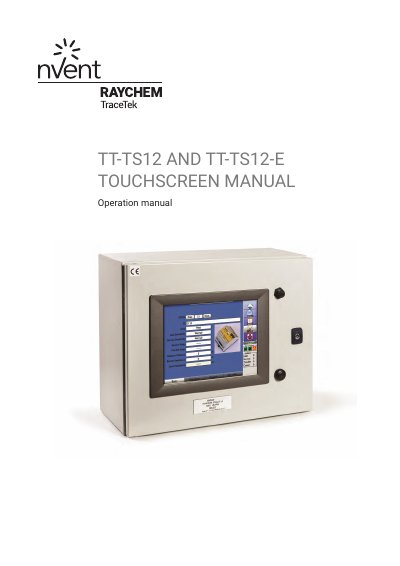
This manual provides operating instructions for the nVent TraceTek TT-TS12 and TT-TS12-E touchscreen systems. It covers the preparation, startup, and investigation of active leak alarms. The device manages and displays information from a network of up to 250 external TraceTek leak detection circuits using a 12-inch full-color SVGA display.
| Display | 12" full color, high resolution SVGA display |
|---|---|
| Network Capacity | up to 250 external TraceTek leak detection circuits |
| Max Cable Length | 190km (119 miles) |
| Max Relays | 320 discrete relays |
| Image Storage | up to 250 images |
| Operating System | Windows CE |
The System Map can be uploaded or utilized in JPG, BMP, or GIF file format.
Yes, it provides a built-in Modbus RTU serial interface and supports Modbus/TCP via Ethernet.
Yes, Windows-based remote viewing options are built-in, allowing interaction via a remote desktop or laptop via LAN or web connection.