
IIFL Trader Terminal is a trading terminal developed by IIFL Securities. It has strong charting and analytical capabilities. The latest version has a lightning fast execution speed, a world class user interface, and a single click access to our world class research. The new terminal offers the facility to trade in cash, derivatives, mutual funds, IPOs, currencies and commodities, all in one screen.
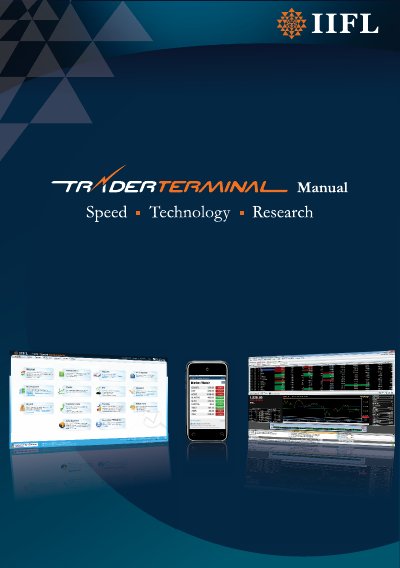
This manual explains how to use the IIFL Trader Terminal for trading in equities, commodities, and mutual funds. It covers system requirements, login procedures, market watch, order placement, and portfolio management. The terminal supports multiple Indian exchanges and offers real-time data, charting, and research tools.
The guide also includes instructions for using features like Market Depth, Market Analyser, Trader Multiple, and SIP investments. It provides tips for customizing views, managing orders, and accessing customer support.
The software is tested to work on Windows 98, Windows 2000, Windows 2003, Windows NT, Windows XP, Windows Vista, and Windows 7.
The hardware requirements specify a Pentium/Celeron Processor with 256Mb of RAM.
The system will get locked after 3 incorrect attempts to enter your Client ID.
The system places a stop loss order set at a difference of 4% from the Market Price by default.