
Hadeco Smart-V-Link Version 3.1 User Manual

Smart-V-Link™ Version 3.1 is a computer communication software for Hadeco Dopplers with USB interface. It can measure blood flow velocity and blood pressure and generate reports.
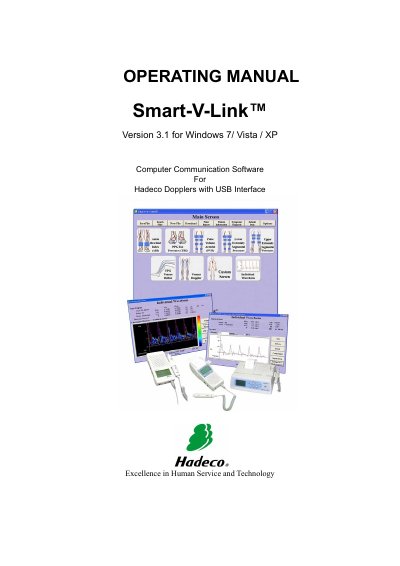

Hadeco Smart-V-Link Version 3.1 User Manual - cover page
Brand
Hadeco
Category
Other Electronics
Document type
User Manual
Language
English
Pages
46
File format
PDF
File size
3.2 MB
Published
20 October, 2023
Updated
20 October, 2023
MD5 checksum
3A0A7B3C38548DAA3A171DDF4ED59176

About this manual

This manual provides instructions for installing, connecting, and using the Hadeco Smart-V-Link Version 3.1 software. It covers system requirements, installation procedures for Windows XP, Vista, and 7, and how to connect the software to compatible Hadeco Doppler devices via USB.

What's inside

  • Introduction
  • System requirements
  • Installing Smart-V-Link
  • Installing USB cable driver
  • Connections
  • Starting Smart-V-Link
  • Measuring blood velocity
  • Measuring blood pressure
  • Printing Report
  • Troubleshooting

Specifications

Operating SystemWindows XP / Vista / 7
CPU RequirementCeleron 500 MHz or more
Memory RequirementRAM: 256 Mbytes
Hard Disk RequirementHD: 40 Mbytes
Heart Rate Range30 - 300 bpm

Frequently asked questions

What should I do if Search Comm cannot find the Doppler after installing the driver?

Restart your computer once to resolve this rare issue.

What operating systems does Smart-V-Link Version 3.1 support?

Windows XP, Vista, and 7.

What is the minimum CPU clock speed required for the computer?

Celeron 500 MHz or more.

What is the measurement range for heart rate?

30 - 300 bpm, ±5 %.

Download PDF (3.2 MB)