
vresco installation guide
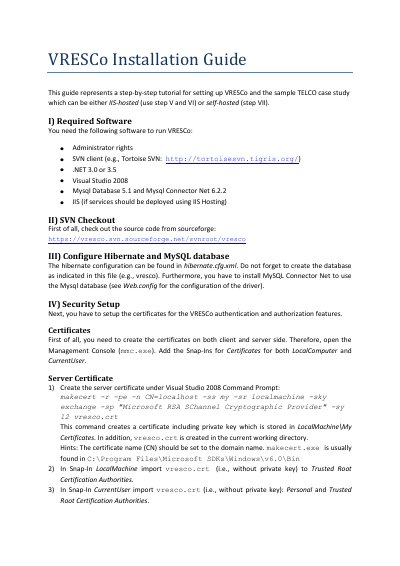
This guide walks you through installing VRESCo, including required software, SVN checkout, database setup, and certificate configuration. It covers both IIS-hosted and self-hosted deployment options with detailed steps for Windows XP and Vista.
The guide also explains how to launch the VRESCo.Hosting project and test the setup by accessing services via a browser, and how to run the TELCO client with appropriate configuration files.
Administrator rights, SVN client, .NET 3.0 or 3.5, Visual Studio 2008, MySQL Database 5.1, MySQL Connector Net 6.2.2, and IIS (if IIS hosting is used).
Create the database as indicated in hibernate.cfg.xml and install MySQL Connector Net as specified in Web.config.
Create server and client certificates using makecert.exe, then import them into Trusted Root Certification Authorities and Personal/Trusted People stores.
Use netsh.exe to associate certificates with ports: netsh http add sslcert ipport=0.0.0.0:30000 certhash=[THUMBPRINT] appid=[{APPID}].