
This is a digital torque screwdriver instruction manual, which introduces the product's features in detail.
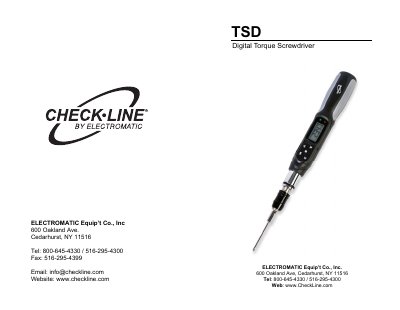
This manual provides operating instructions for the Electromatic TSD digital torque screwdriver. It details the names and functions of parts, including the LCD display, function keys, and torque indicators. The guide explains how to install batteries, power on the device, and install the 1/4 inch hex bits.
| Accuracy (Clockwise) | ±2% |
|---|---|
| Accuracy (Counterclockwise) | ±3% |
| Memory Capacity | 50 readings |
| Operating Modes | Peak and Track |
| Drive Size | 1/4 Inch - 6.35 mm Hex |
| Operating Temperature | -10°C - 60°C |
| Power Supply | 1x AAA Battery |
| Battery Life | 12 Hours |
| Warranty | 1 Year |
Set the screwdriver to P (peak) mode, take a reading, then press the M key to store it and zero the screwdriver.
Over-torquing (105% of Max. torque capacity) can damage the screwdriver or cause it to lose accuracy.
Press the U/S key to switch between Centinewton Meters (cN-m), Pound-Inch (lb-in), and Kilogram Centimeter (Kg-cm).