
This is a salt water chlorine generator that can generate chlorine to maintain the normal chlorine ion content in pool water to keep the pool water clean.
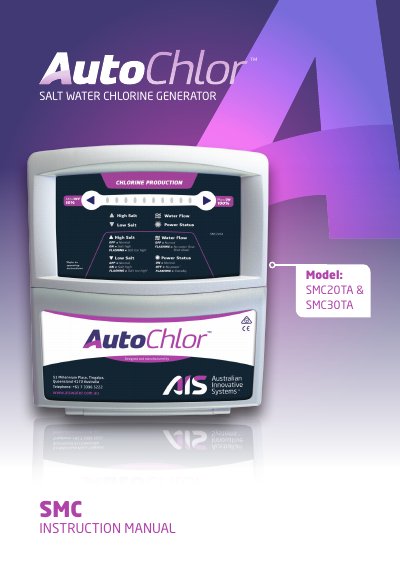
This manual provides step-by-step instructions for installing and operating the SMC20TA and SMC30TA salt water chlorine generators. It includes details on electrode housing installation, time clock programming, salt addition procedures, and troubleshooting common issues like high or low salt levels and water flow problems. Technical specifications for chlorine output, voltage, and IP rating are also provided.
The device is designed for pool sanitation using salt as a chlorine source and includes safety features such as automatic water flow sensing and gas trap requirements to prevent damage from chlorine gas buildup.
| Chlorine Output | SMC 20TA: 22 gms/hr; SMC 30TA: 33 gms/hr |
|---|---|
| Input Voltage | 190 – 250 volts. 50 – 60 Hz |
| Output Voltage | 15 – 26 volts DC |
| IP Rating | 24 |
| Salt Level Range | 5000 ppm – 25000 ppm |
Press the 'Min/Off' button to reduce output or 'Max/On' to increase it. Each light represents 10% output.
Have the salinity level tested by a pool professional. The light may indicate water salinity is too high or a faulty generator.
Use the 'Clock' and 'Timer' buttons to enter settings. Use 'Man' to change settings and 'Auto >>' to advance to the next segment. Set each 30-minute segment ON or OFF as needed.
The unit comes with a 36-month in-factory repair warranty covering all parts and labor from the date of purchase.