
Fisher-Price Pixter Color H2329 Electronic Notebook User Manual

This is a user manual that introduces how to use Teen Titans™ Electronic Notebook.
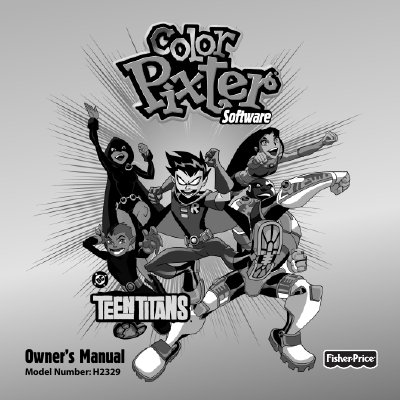

Fisher-Price Pixter Color H2329 Electronic Notebook User Manual - cover page
Brand
Fisher-Price
Category
Other Electronics
Document type
User Manual
Language
English
Pages
32
File format
PDF
File size
2.2 MB
Published
20 October, 2023
Updated
20 October, 2023
MD5 checksum
29A6051A9CE74C155D93D76A7224F4C6

About this manual

This manual provides instructions for the Fisher-Price Pixter Color electronic notebook (Model H2329). It details how to select and play various games and activities, such as Action Recall Challenge and Save the City, using the included stylus and software cartridges. The guide explains the interface for controlling the Super Hero character and navigating the home screen.

What's inside

  • Model Number
  • Games and Activities
  • Action Recall Challenge
  • Save the City
  • Comic Page Creator
  • Super Mix 'n Match
  • Stylus Calibration
  • Software Cartridges
  • Care Instructions
  • Warranty Information

Specifications

Model NumberH2329
Product NamePixter Color

Frequently asked questions

What should I do if the stylus tip and the image on the screen do not align?

It is time to calibrate them. Please refer to page 27, Calibrating the Stylus.

What happens if I select incorrectly three times in a game?

The game is over.

Can I immerse the cartridge in water?

No, do not immerse the cartridge. Simply wipe the outside with a cloth.

Download PDF (2.2 MB)

More Fisher-Price Manuals


View all Fisher-Price manuals →