
This report describes the use of the MODULUS 6.0 FOR WINDOWS software. The MODULUS 6.0 FOR WINDOWS software is a software system used by the Texas Department of Transportation (TxDOT) to process Falling Weight Deflectometer (FWD) data. The system has been used since the early 1990s to perform structural evaluation of pavements and to provide layer moduli values for structural design. Project 0-1869 expanded the analysis and design capabilities of the system. One important aspect of this project was to move the improved system to the Windows environment, making it more user-friendly.
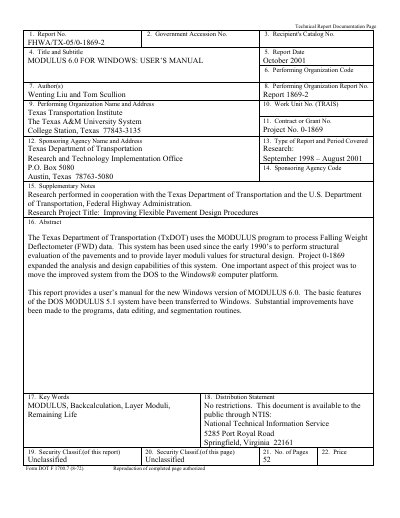
The MODULUS 6.0 for Windows program is a tool developed by the Texas Transportation Institute (TTI) for processing Falling Weight Deflectometer (FWD) data. It is designed to perform structural evaluation of pavements and provide layer moduli values for structural design. This manual covers the transition from the DOS version to the Windows platform, detailing new features such as automatic and manual segmentation algorithms and a graphical user interface.
| Operating Systems | Windows 95/98/ME/NT 4.0/2000/XP |
|---|---|
| CPU | Pentium-133 MHz or higher |
| RAM | 16 MB or higher |
| Hard Drive Space | 15 MB free hard drive space |
| Recommended Resolution | 1024×768 pixels |
New features include a total Windows program, a new automatic segmentation algorithm, manual segmentation, support for Dynatest FWD test file formats (R80 and R32), a user data input function, and a manual backcalculation function.
The manual backcalculation function allows the user to perform a detailed analysis at one station if automated results are not satisfactory, or to find the suitable moduli range for the layer thickness.
Yes, the program supports an HTML-based help system that can be accessed using the F1 function key.