
This document introduces the installation guide of Symantec Encryption (PGP), including system requirements, installation steps, and precautions.
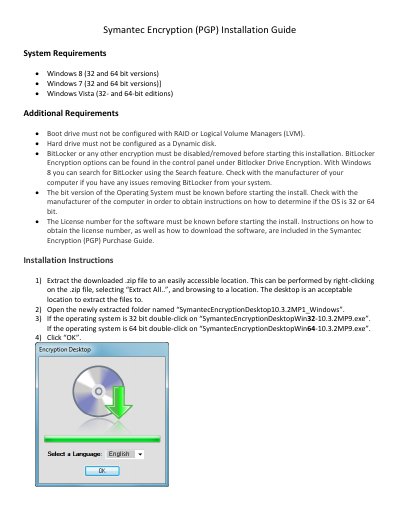
This document serves as an installation guide for Symantec Encryption (PGP) version 10.3.2MP1. It outlines the specific system requirements, including supported Windows operating systems (8, 7, and Vista) and hardware configurations such as boot drive and hard drive settings. Users must ensure BitLocker or other encryption is disabled before proceeding. This manual is written in Chinese.
| Supported Operating Systems | Windows 8, Windows 7, Windows Vista |
|---|---|
| BitLocker Requirement | Must be disabled/removed before starting |
| Estimated Encryption Time | 4-14 hours |
No, BitLocker or any other encryption must be disabled or removed before starting the installation.
The encryption process takes between 4 to 14 hours to complete.